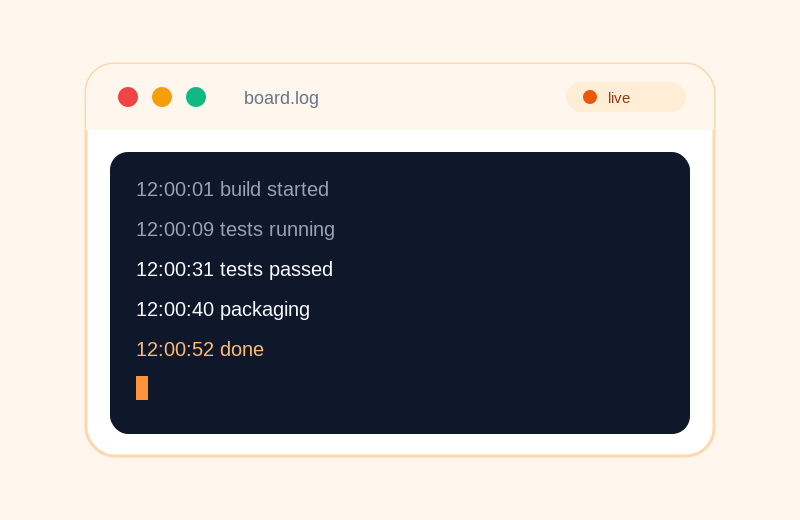
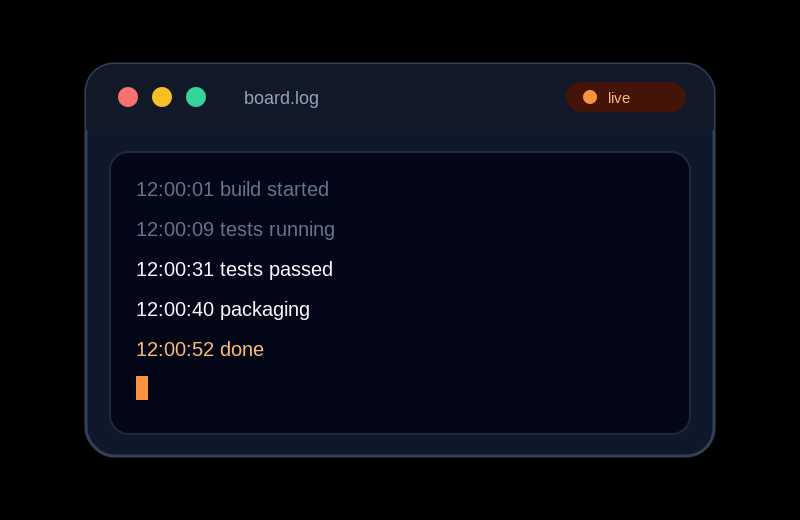
TileDown 0.13.0 gave the terminal tile a file source and a window you scroll by hand.
0.14.0 lets that window follow the file while the page is open.
:::tile terminal
style: manual
lines: 20
source: board.log
tail: 500
title: board.log
live: true
:::
live: true goes with source and style: manual. It is an explicit opt-in: without
it the tile has no script, as before.
How it works
The page carries one small script, the same for every live tile. Once a second it asks
the page’s own origin, at one path (/_td/log/), for the lines after the point it has
read to, and adds them to the window. Nothing is loaded from anywhere else, and a page
with no live tile carries no script.
tiledown serveanswers the question, for the files the build listed and no others, only inside the content folder, and only to GET. A site deployed as static files has no answer: its live tile shows the lines of the build and nothing more. That is why the window on this site is not live.Only complete lines are shown: a line appears when its line feed is in the file.
A file that becomes shorter than the point the page has read to starts the window again. The window keeps at most
taillines, 500 when not given.A reader who scrolled up keeps the lines in front of them while lines are added at the end, and a window at the end follows the newest line.
That last behavior is measured in Chromium. Safari and Firefox are unverified.
What it is for
A log written by another program is data, and the page never copies it. A board page
can show a build log as it is written, and the page stays plain Markdown. The full
reference is “A live log” under “Terminal tile” in docs/authoring.md.