Feature Tour
Everything below is rendered by the build from ordinary Markdown. The static surfaces — math, charts, the pie, source-code color — ship as SVG and CSS with no client-side JavaScript and no web fonts. This page is the demo: view source and you will find finished output, not a runtime.
Math, typeset at build time
Write TeX in a $$…$$ block and TileDown typesets it to a self-contained SVG —
real glyph outlines from Latin Modern Math, parsed in pure Swift. No MathJax, no
LaTeX install, no dvisvgm. The same engine typesets to PDF.
More in Math in Markdown.
Charts as static SVG
A fenced chart block becomes a static SVG at build time — zero shipped
JavaScript, identical in every browser. (The numbers are invented; the rendering
is real.)
When a chart needs richer hover, there is an opt-in interactive version. See Charts in Markdown and Interactive Charts.
Diagrams
A mermaid flowchart renders through the themed mermaid runtime, while a pie
renders as a static SVG with no runtime at all:
graph TD
  Start[Plain Markdown] --> Build[tiledown build-site]
  Build --> SVG[Static SVG and CSS]
  Build --> HTML[Self-contained HTML]
More in Diagrams in Markdown.
Source code, colored at build time
Fenced code is highlighted by a Swift tokenizer at build time, so the page ships colored spans and shared CSS instead of a browser highlighter. Eighteen languages are supported, Swift, Shell, Python, Rust, Go, and TypeScript among them:
struct TileDownFeature {
    let name = "static syntax highlighting"
    let shipsJavaScript = false
}
tiledown build-site content/ dist/
tiledown json content/index.md .build/home.jsonSee Static Code Color.
Per-article PDF
Every post on this site ships a Download PDF link. That PDF is typeset at
build time from the same Markdown source as the HTML page — by the pure-Swift
MarkdownPDF engine, which shares its math typesetting with the formulas above.
No headless browser, no print pipeline, no server: the build writes a real,
valid %PDF document, math and all, and serves a few kilobytes of static file.
Because the engine is just Swift, it also compiles to WebAssembly, so the same parser and PDF writer can run live in your browser. See The PDF engine, in your browser.
Markdown stays the canonical source
TileDown parses CommonMark through Swift Markdown. Raw HTML is escaped by design, so the source stays portable and editor-friendly.
The Markdown file remains the canonical source. The engine derives the rendered HTML, shared CSS, browser JavaScript, JSON, and feeds from that one file.
Typed references resolve at build time from tiledown.yml and the content tree:
| Reference | Resolves to |
|---|---|
page: | Docs |
post: | Browser-Visible Tiles |
tag: | Tiles |
link: | Design notes, through an /out/ redirect |

Tiles: behavior on a static page
Tiles are typed content blocks. Some are pure static output, some add scoped local interactivity, and external-source tiles can connect a static page to a provider without custom JavaScript.
The callout tile is static — themed HTML and CSS, no runtime:
Static tile
A callout emits typed properties as themed HTML, with no browser runtime.
The counter tile is local — it ships a little JavaScript but needs no server:
The embed tile is static and provider-constrained — you keep a safe URL in Markdown and TileDown emits one responsive, sandboxed iframe with no script of its own, rewriting YouTube links to the privacy-preserving no-cookie domain:
The newsletter tile posts to a site-owned subscription API and reports check-your-inbox in place; the double opt-in confirmation, consent records, and unsubscribe belong to the backend, and no vendor appears in the page. This form is live and subscribes you to TileDown Dispatch:
The signin tile renders members sign-in doors against a site-owned auth API: provider buttons that are plain links to the backend’s OAuth routes, plus a magic-link email form, with no tokens, cookies, or provider SDKs in the page. This demo endpoint has no backend behind it, so the doors land on a coming-soon page and a submit reports failure while keeping your input, which is the tile’s degradation contract:
Members sign in (demo)
General service-form tiles still target custom service contracts that keep
credentials off the client through a server-side proxy route. That hosting layer
is separate from tiles like newsletter and signin, which post directly to a
site-owned API. See Service Contracts Are Next.
What else the build does
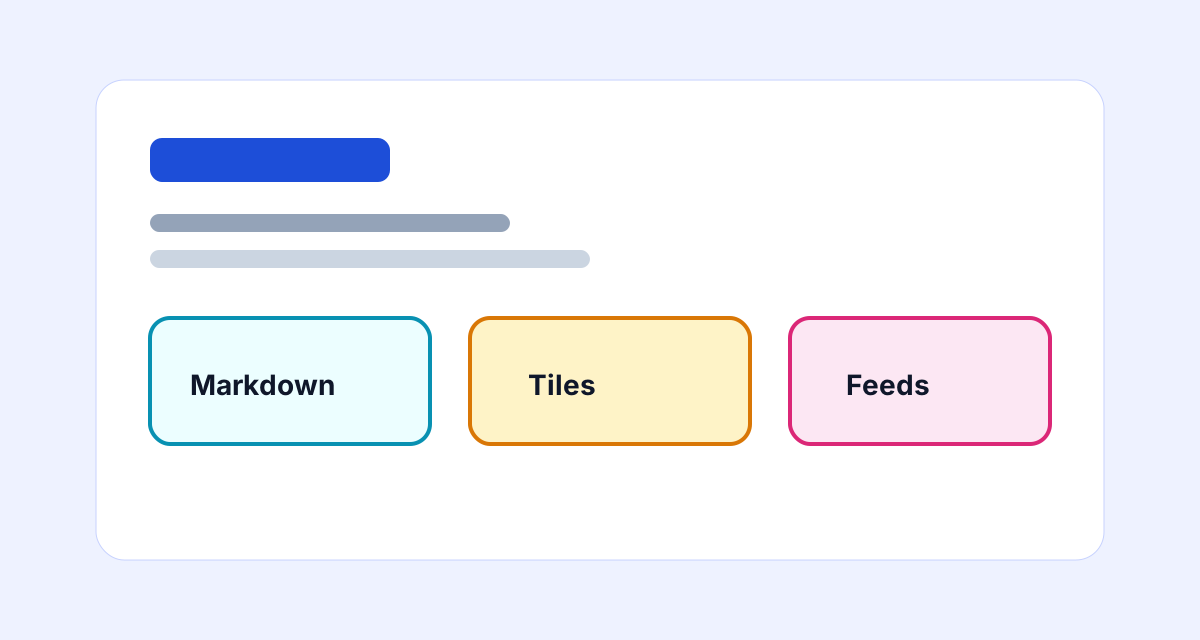
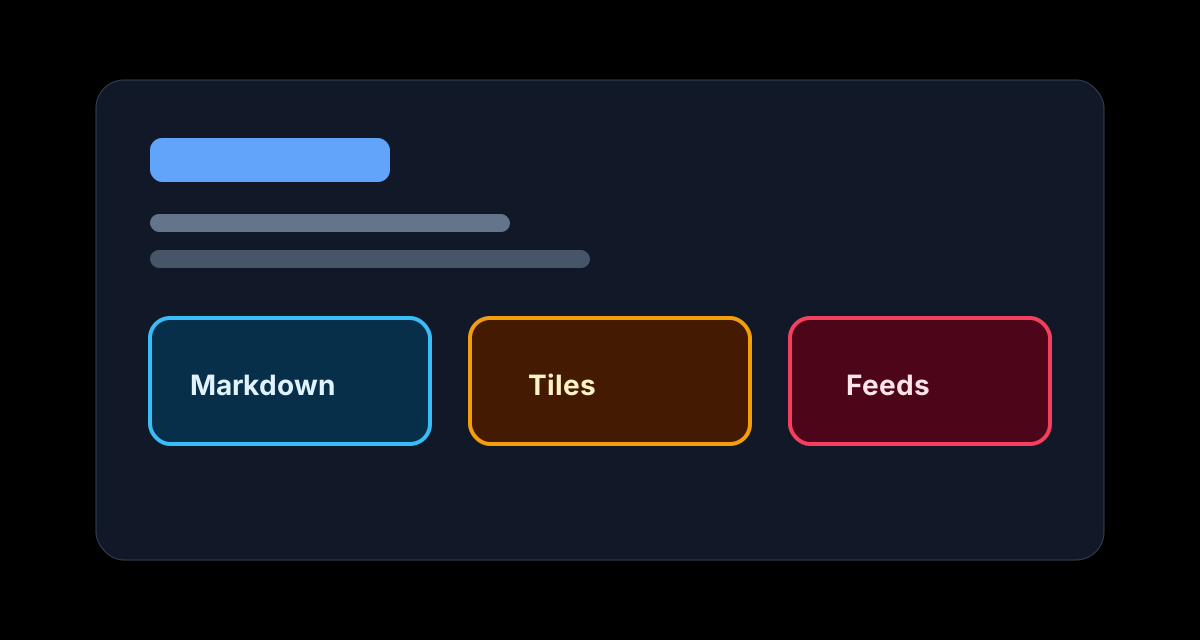
- Theme-aware images — pair
imagewithimageDarkin front matter; layouts switch hero and card art with the page theme. - RSS — a feed is generated from the dated posts.
- Tag AND filtering — generated tag pages are static URLs; start at Markdown and narrow to Markdown AND Swift.
- Outbound redirect shims — configured links route through
/out/pages. - Drafts excluded —
draft: truepages stay out of the published output.
View Markdown source
---
title: Feature Tour
description: A live, self-rendering tour of TileDown — math, charts, diagrams, and source-code color produced at build time from plain Markdown, plus typed tiles that add behavior to a static page.
weight: 10
image: /assets/feature-tour.svg
imageDark: /assets/feature-tour-dark.svg
---
# Feature Tour
Everything below is rendered by the build from ordinary Markdown. The static
surfaces — math, charts, the pie, source-code color — ship as SVG and CSS with
**no client-side JavaScript and no web fonts**. This page is the demo: view
source and you will find finished output, not a runtime.
## Math, typeset at build time
Write TeX in a `$$…$$` block and TileDown typesets it to a self-contained SVG —
real glyph outlines from Latin Modern Math, parsed in pure Swift. No MathJax, no
LaTeX install, no `dvisvgm`. The same engine typesets to PDF.
$$e^{i\pi} + 1 = 0$$
$$\frac{-b \pm \sqrt{b^2 - 4ac}}{2a}$$
More in [Math in Markdown](post:math-in-markdown).
## Charts as static SVG
A fenced `chart` block becomes a static SVG at build time — zero shipped
JavaScript, identical in every browser. (The numbers are invented; the rendering
is real.)
```chart
type: bar
title: Developer happiness by static site generator
categories: TileDown, Hugo, Jekyll, Bespoke PHP
y-label: happy devs (%)
series: This year = 92, 71, 64, 12
```
When a chart needs richer hover, there is an opt-in interactive version. See
[Charts in Markdown](post:charts-in-markdown) and
[Interactive Charts](post:interactive-charts).
## Diagrams
A `mermaid` flowchart renders through the themed mermaid runtime, while a `pie`
renders as a static SVG with no runtime at all:
```mermaid
graph TD
Start[Plain Markdown] --> Build[tiledown build-site]
Build --> SVG[Static SVG and CSS]
Build --> HTML[Self-contained HTML]
```
```mermaid
pie title Where the build minute goes
"Compiling" : 3
"Waiting" : 1
"Doom-scrolling" : 26
```
More in [Diagrams in Markdown](post:diagrams-in-markdown).
## Source code, colored at build time
Fenced code is highlighted by a Swift tokenizer at build time, so the page ships
colored spans and shared CSS instead of a browser highlighter. Eighteen
languages are supported, Swift, Shell, Python, Rust, Go, and TypeScript among
them:
```swift
struct TileDownFeature {
let name = "static syntax highlighting"
let shipsJavaScript = false
}
```
```sh
tiledown build-site content/ dist/
tiledown json content/index.md .build/home.json
```
See [Static Code Color](post:tiledown-0-4-1-static-code-color).
## Per-article PDF
Every post on this site ships a **Download PDF** link. That PDF is typeset at
build time from the same Markdown source as the HTML page — by the pure-Swift
MarkdownPDF engine, which shares its math typesetting with the formulas above.
No headless browser, no print pipeline, no server: the build writes a real,
valid `%PDF` document, math and all, and serves a few kilobytes of static file.
Because the engine is just Swift, it also compiles to WebAssembly, so the same
parser and PDF writer can run live in your browser. See
[The PDF engine, in your browser](post:pdf-in-the-browser).
## Markdown stays the canonical source
TileDown parses CommonMark through Swift Markdown. Raw HTML is escaped by design,
so the source stays portable and editor-friendly.
> The Markdown file remains the canonical source. The engine derives the rendered
> HTML, shared CSS, browser JavaScript, JSON, and feeds from that one file.
Typed references resolve at build time from `tiledown.yml` and the content tree:
| Reference | Resolves to |
|:---|:---|
| `page:` | [](page:docs) |
| `post:` | [](post:browser-visible-tiles) |
| `tag:` | [](tag:Tiles) |
| `link:` | [Design notes](link:design), through an `/out/` redirect |

## Tiles: behavior on a static page
Tiles are typed content blocks. Some are pure static output, some add scoped
local interactivity, and external-source tiles can connect a static page to a
provider without custom JavaScript.
The **callout** tile is static — themed HTML and CSS, no runtime:
:::tile callout
title: Static tile
body: A callout emits typed properties as themed HTML, with no browser runtime.
:::
The **counter** tile is local — it ships a little JavaScript but needs no server:
:::tile counter
label: Press to test JavaScript
:::
The **embed** tile is static and provider-constrained — you keep a safe URL in
Markdown and TileDown emits one responsive, sandboxed iframe with no script of
its own, rewriting YouTube links to the privacy-preserving no-cookie domain:
:::tile embed
url: https://www.youtube.com/watch?v=jNQXAC9IVRw
title: The first video ever uploaded to YouTube, for scale
aspectRatio: 16/9
:::
The **newsletter** tile posts to a site-owned subscription API and reports
check-your-inbox in place; the double opt-in confirmation, consent records,
and unsubscribe belong to the backend, and no vendor appears in the page.
This form is live and subscribes you to TileDown Dispatch:
:::tile newsletter
endpoint: https://archive.appleuiinsider.com/api/subscribe
title: TileDown Dispatch
body: Follow the engine as external tiles, Markdown publishing, and developer workflow support land.
emailLabel: Developer email
placeholder: developer@example.com
buttonLabel: Subscribe
note: Occasional developer notes. No account required.
:::
The **signin** tile renders members sign-in doors against a site-owned auth
API: provider buttons that are plain links to the backend's OAuth routes, plus
a magic-link email form, with no tokens, cookies, or provider SDKs in the
page. This demo endpoint has no backend behind it, so the doors land on a
coming-soon page and a submit reports failure while keeping your input, which
is the tile's degradation contract:
:::tile signin
endpoint: /demo/auth
title: Members sign in (demo)
:::
General **service-form** tiles still target custom service contracts that keep
credentials off the client through a server-side proxy route. That hosting layer
is separate from tiles like `newsletter` and `signin`, which post directly to a
site-owned API. See [Service Contracts Are Next](post:service-contracts).
## What else the build does
- **Theme-aware images** — pair `image` with `imageDark` in front matter; layouts switch hero and card art with the page theme.
- **RSS** — a feed is generated from the dated posts.
- **Tag AND filtering** — generated tag pages are static URLs; start at [Markdown](/tags/markdown/) and narrow to [Markdown AND Swift](/tags/markdown/swift/).
- **Outbound redirect shims** — configured links route through `/out/` pages.
- **Drafts excluded** — `draft: true` pages stay out of the published output.