TileDown 0.18.0 adds one tile and a handful of settings. Some changes reach every site without a setting: the typeface of the article PDF, a skip link on every page and a few theme fixes, all described below.
The featured tile
A featured tile is a short list of posts you pick by hand. The posts appear in the order you write them, never by date. Each one shows its title as a link, its date, its description and, when the post has one, its picture beside the text.
:::tile featured
heading: Start here
headingLevel: 3
post: math-in-markdown
note: The shortest way to see what the build does.
post: charts-in-markdown
post: diagrams-in-markdown
:::
This is that tile, built from three posts of this site:
Start here
 Math in Markdown
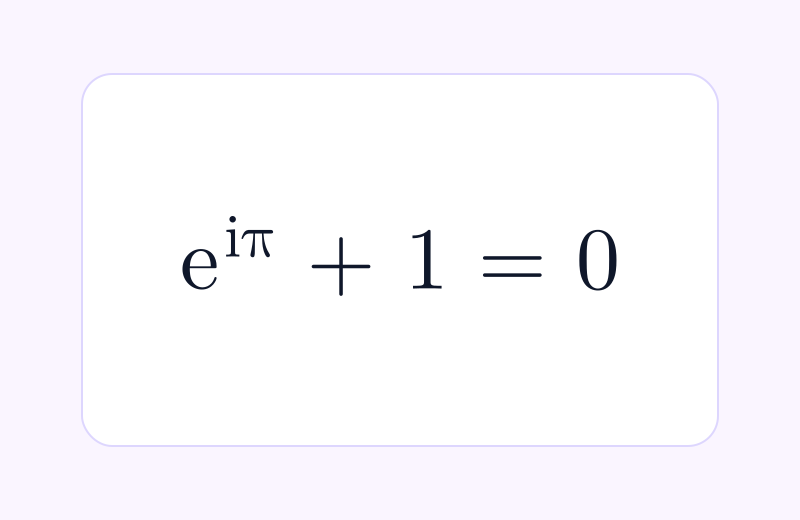
Write TeX math in a Markdown block and TileDown typesets it to static SVG at build time. No client-side JavaScript, no web font, no MathJax. The glyphs are real outlines, the layout is exact, and it follows your light or dark theme.
The shortest way to see what the build does.
 Charts in Markdown
Author charts inline with a fenced code block. TileDown renders static SVG, no client runtime, using the same notation as MarkdownPDF.
 Diagrams in Markdown
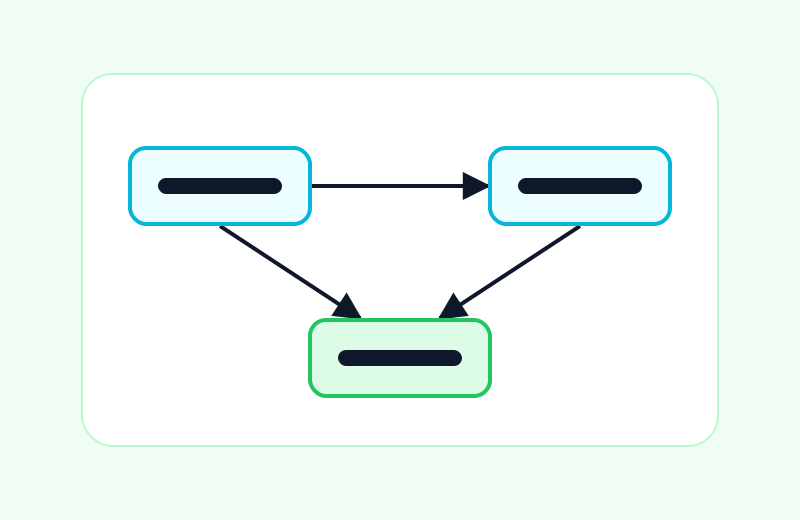
Author diagrams inline with a fenced mermaid block. Flowcharts render through the mermaid runtime; a pie renders as a static SVG chart, matching MarkdownPDF.
A post line takes the key a [text](post:key) link takes: the post’s folder name below the posts directory. A note line belongs to the post above it and says why you chose it. heading and headingLevel (2, 3 or 4) put a heading over the list, and style is list (the default, a numbered list) or cards. The title, date and description come from the post, so a post you rename shows its new title here with no edit to this page. A key that names no post, or names a draft, stops the build.
Title size and width
Four new lines in tiledown.yml set the page title, the first-level heading:
titleSize: clamp(1.9rem, 3.4vw, 2.6rem)
titleWidth: 24ch
titleSize is the size of the title on every page and titleWidth is the widest a title line may be. homeTitleSize and homeTitleWidth do the same for the home page alone. The home page is found by its canonical address, so those two need baseURL; without one the build fails. All four take relative CSS lengths only: a size in pixels, a semicolon, a brace or a comment is a build error.
A limit for the tag bar
tagBarLimit: 8 makes the tag bar show the eight most used tags, each with its count, and keeps the rest behind a “Show N more tags” disclosure. 0, the default, shows every tag as before. The tag chips on post cards are now at least 1.75rem high.
A text alternative for the page’s picture
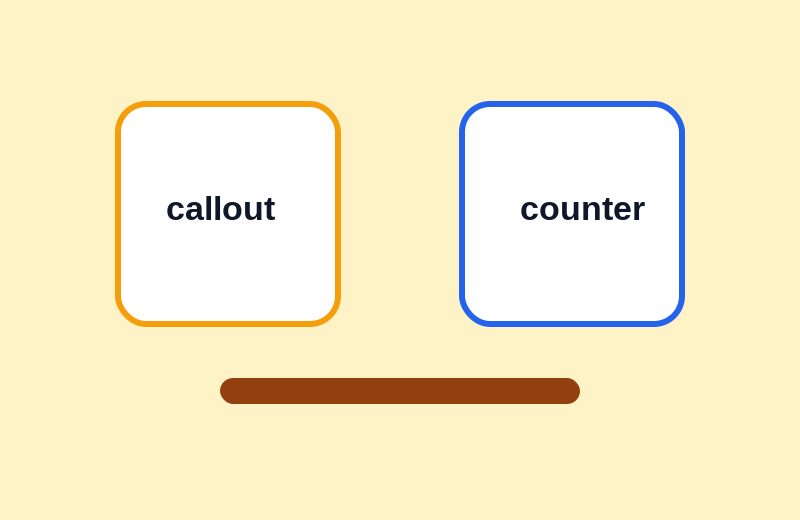
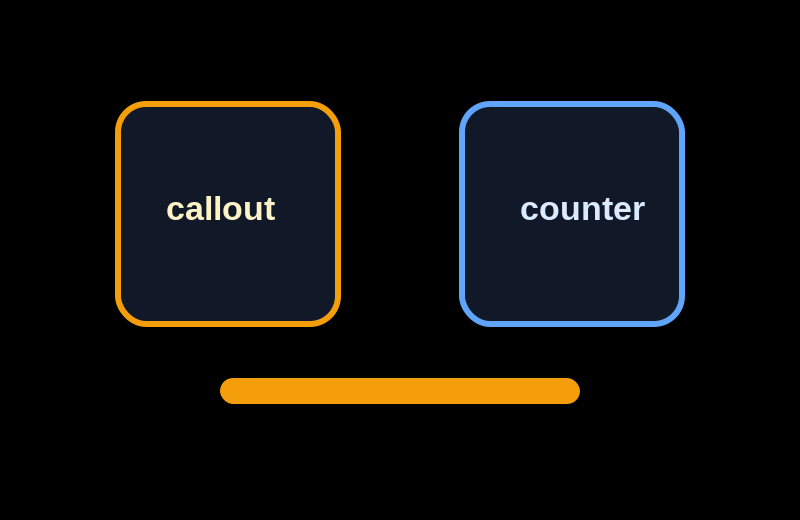
imageAlt in a page’s front matter is the text alternative of its image. It is used on the hero, on the post card and in the sharing metadata (og:image:alt and twitter:image:alt). Without it the page title stands in, as before. This post sets it:
image: /assets/post-tiles.svg
imageDark: /assets/post-tiles-dark.svg
imageAlt: Two tile boxes, labelled callout and counter, above a short bar.
Mermaid diagrams in the theme’s colours
theme.light.diagrams: tokens
theme.dark.diagrams: tokens
With these lines a Mermaid diagram is drawn in the theme’s own colours instead of Mermaid’s light and dark themes.
Fonts embedded in the article PDF
An article PDF now embeds its fonts: the DejaVu Sans faces that come with MarkdownPDF (regular, bold, oblique and mono). Bold text and letter spacing look the same in every viewer. The typeface changes from the viewer’s Helvetica, and the files grow. The PDF engine is MarkdownPDF 0.19.0, with MathTypeset 0.8.0.
An article PDF is also a tagged PDF: the structure tree, the page’s language and its title are written into the file, and a picture with a text alternative is a figure that carries it. No PDF/UA conformance is claimed. The appearance of PDF pages and their PDF/A and PDF/UA conformance are not verified by the tests.
Also in this release
Every page starts with a “Skip to content” link, out of sight until it takes the keyboard focus, and the theme toggle says whether the dark appearance is on.
tiledown doctor --publishreports more: an image with no text alternative, a heading that skips a level, a second level-one heading, a link whose whole text is a vague phrase such as “click here”, a form control with no name, a button with no name, a page with no language, and a table with no header cell. An image is decorative on purpose when its text is empty and its title isdecorative.In the editorial theme two light-mode syntax colours, the number and the comment, are darker. The dark theme is unchanged.
The hover text of a point on a line chart no longer has a thick coloured border and smeared text.
TileDown makes its temporary folders under the folder
TMPDIRnames.
Upgrade
brew upgrade tiledown. The full list is on the Changelog page.