Skip to content
TileDownSite version v0.5.24

Tiles from a JSON file

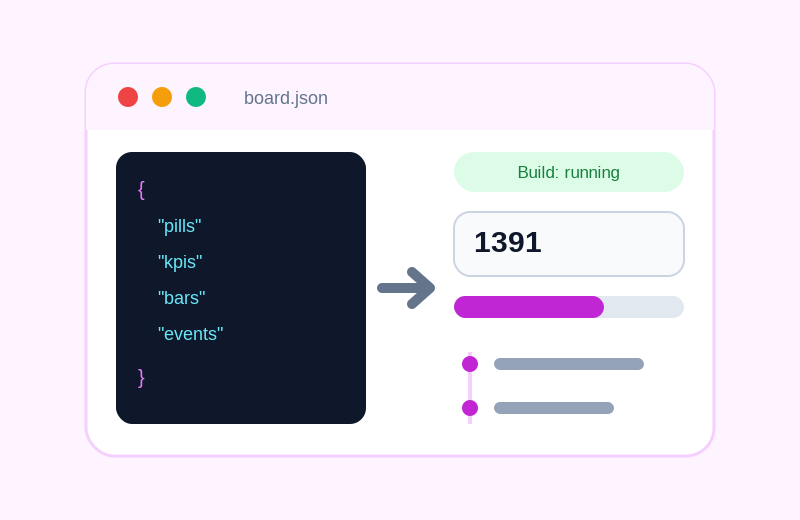
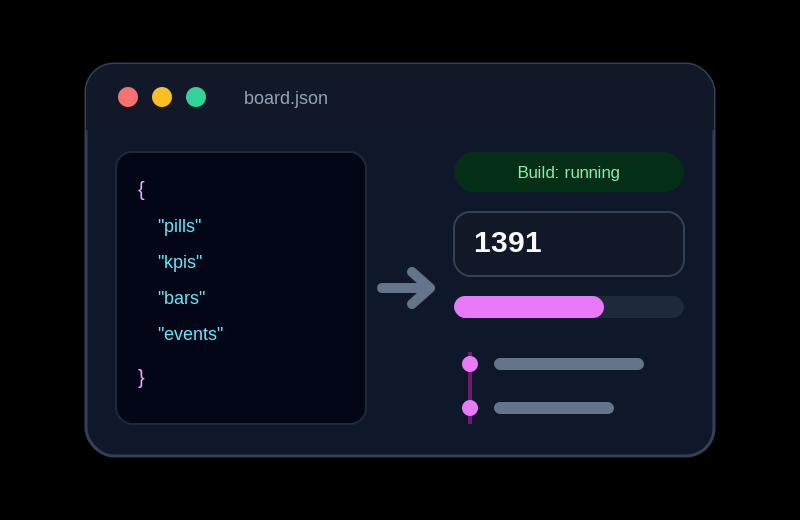
TileDown 0.14.0 adds the data tile, which reads a JSON file when the site is built and draws it as a KPI row, a timeline, a flow graph, status pills or progress bars.

A page that shows numbers should not copy them by hand. The data tile reads a JSON file when the site is built and becomes the tile that draws it.

:::tile data
source: status.json
as: kpi
kpi: name
value: count
delta: change
:::

with status.json next to the page:

[
  {"name": "Open issues", "count": 42, "change": "+3"},
  {"name": "Closed this week", "count": 17}
]

The data tile becomes the tile it draws as, with the same lines the hand-written tile takes, and the same renderer draws it, so the two cannot differ.

The lines

  • source is the JSON file, relative to the page’s own folder and inside it: an array of flat objects, 500 rows at most.

  • as is kpi, timeline, flow, pill or progress.

  • The mapping lines are the lines of that tile, each naming the key of every row that holds it. For kpi: kpi, value, delta, trend, tone, note. For timeline: event, date, time, body. For flow: from and to, one edge a row. For pill: status and label. For progress: value, max, label and status.

  • order for a timeline and title for a flow are written as for the tile itself.

A value is text, a number or true or false, and a number is written as a person would write it (42, -2, 3.5). pill and progress are a stack, one tile for each row, where the others are one tile for all the rows.

A whole board in one file

at names the key of a JSON object whose value is the array of rows, so one file can feed a whole board, each part a data tile with its own at:

:::tile data
source: board.json
at: pills
as: pill
label: who
status: state
:::

with board.json next to the page:

{"pills": [{"who": "Build", "state": "running"}, {"who": "Docs", "state": "done"}]}

Here is that very file read by a data tile on this page:

Buildrunning
Docsdone

A missing key under at is an error that names it, a value under at that is not an array is an error, and at on a file that is a plain array is an error. The full reference is “Data tile” in docs/authoring.md.

TileDown Updates

Stay updated with every exciting new feature we bring to TileDown, the Markdown‑first way to build sites you truly own.

View Markdown source
index.md
---
title: Tiles from a JSON file
date: 2026-11-22
order: 1
description: TileDown 0.14.0 adds the data tile, which reads a JSON file when the site is built and draws it as a KPI row, a timeline, a flow graph, status pills or progress bars.
tags: Release, Tiles, Data
image: /assets/post-data-tile.svg
imageDark: /assets/post-data-tile-dark.svg
---
# Tiles from a JSON file

A page that shows numbers should not copy them by hand. The `data` tile reads a JSON
file when the site is built and becomes the tile that draws it.

```
:::tile data
source: status.json
as: kpi
kpi: name
value: count
delta: change
:::
```

with `status.json` next to the page:

```json
[
  {"name": "Open issues", "count": 42, "change": "+3"},
  {"name": "Closed this week", "count": 17}
]
```

The data tile becomes the tile it draws as, with the same lines the hand-written tile
takes, and the same renderer draws it, so the two cannot differ.

## The lines

- `source` is the JSON file, relative to the page's own folder and inside it: an array
  of flat objects, 500 rows at most.
- `as` is `kpi`, `timeline`, `flow`, `pill` or `progress`.
- The mapping lines are the lines of that tile, each naming the key of every row that
  holds it. For `kpi`: `kpi`, `value`, `delta`, `trend`, `tone`, `note`. For `timeline`:
  `event`, `date`, `time`, `body`. For `flow`: `from` and `to`, one edge a row. For `pill`:
  `status` and `label`. For `progress`: `value`, `max`, `label` and `status`.
- `order` for a timeline and `title` for a flow are written as for the tile itself.

A value is text, a number or `true` or `false`, and a number is written as a person would
write it (`42`, `-2`, `3.5`). `pill` and `progress` are a stack, one tile for each row,
where the others are one tile for all the rows.

## A whole board in one file

`at` names the key of a JSON object whose value is the array of rows, so one file can
feed a whole board, each part a data tile with its own `at`:

```
:::tile data
source: board.json
at: pills
as: pill
label: who
status: state
:::
```

with `board.json` next to the page:

```json
{"pills": [{"who": "Build", "state": "running"}, {"who": "Docs", "state": "done"}]}
```

Here is that very file read by a data tile on this page:

:::tile data
source: board.json
at: pills
as: pill
label: who
status: state
:::

A missing key under `at` is an error that names it, a value under `at` that is not an
array is an error, and `at` on a file that is a plain array is an error. The full
reference is "Data tile" in `docs/authoring.md`.