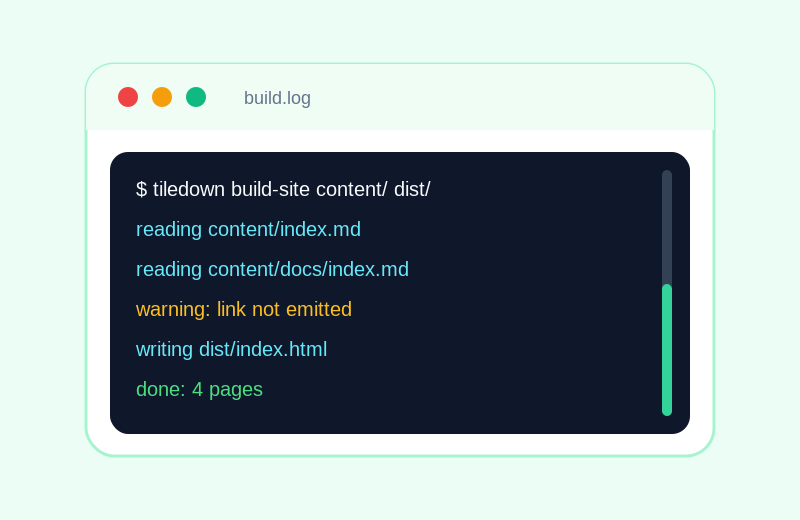
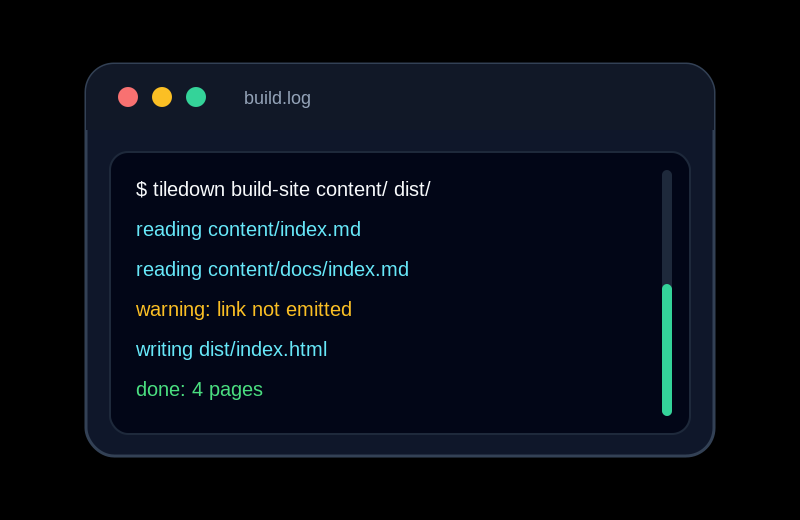
The terminal tile shows a command line session as a window, built with the site in
the theme’s own colors and monospace font. TileDown 0.13 adds two things to it: a
window the reader scrolls, and text that comes from a file.
The window below is style: manual. Scroll it with the wheel or by touch, or Tab to it
and use the arrow keys, Page Up, Page Down, Home and End. It scrolls down and sideways,
the newest line is at the bottom, and it stays at the end until you scroll up. There is
no script.
$ tiledown build-site content/ dist/
reading content/index.md
reading content/docs/index.md
reading content/features/index.md
reading content/posts/first-post/index.md
warning: content/posts/first-post/index.md: link not emitted, scheme `ftp` is not allowed: ftp://example.com/file
writing dist/index.html
writing dist/docs/index.html
writing dist/features/index.html
writing dist/posts/first-post/index.html
writing dist/feed.xml
writing dist/sitemap.xml
done: 4 pages, 1 feed, 1 sitemap
$ tiledown check-links --internal dist/
ok: every internal link and anchor resolves
The text is not in this page. It is the file build.log next to the page, read when
the site is built.
:::tile terminal
style: manual
lines: 8
source: build.log
tail: 500
title: build.log
:::
The options
styleisstill(every line, the default),scroll(the session scrolls by itself in CSS and pauses under the pointer) ormanual.linesis how many lines the window shows, 3 to 60, forscrollandmanual.wrap: truewraps long lines in amanualwindow; the default lets them scroll sideways.sourcereads the text from a file next to the page, so a log written by another program is data and the page never copies it. The path stays inside the page’s folder, and a file that cannot be read fails the build with its path in the message. An empty file shows(no lines yet).tailkeeps the last 1 to 100000 lines of the file, andmax-bytesthe last bytes (up to 16777216, 262144 by default). A cut always starts at a line.sourceandtextcannot both be given.
Color codes in the text are read and become the theme’s colors, and \e stands for the
escape character, so output copied from a terminal works. A screen reader reads the real
text once. With reduced motion, in print and in the PDF the window is still and shows
every line; in the PDF it is a plain code block. The full reference is “Terminal tile”
in docs/authoring.md in the repository.