TileDown

Tag Intersections

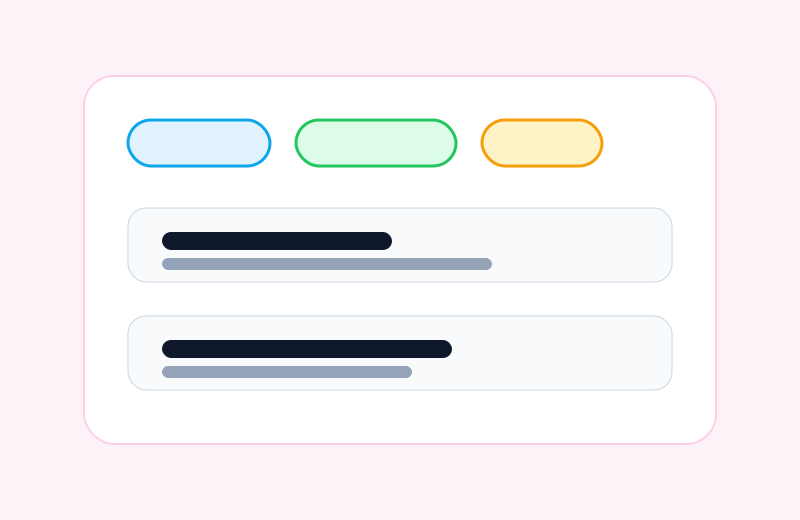
Tag pages can narrow content by selecting multiple tags together.

Tag pages are not just flat archives. A reader can start with one topic and then add another tag to narrow the result set.

That makes the demo site useful as a small content browser instead of a static list of links.

Example flow

  1. Open the Markdown tag page.

  2. Select Swift.

  3. The result becomes the intersection of both tags.

The browser checks cover that flow by tapping tag chips and asserting that the result list narrows to matching posts.

AND behavior

Selecting two tags means tag one AND tag two, not tag one OR tag two.

View Markdown source
index.md
---
title: Tag Intersections
date: 2026-06-01
description: Tag pages can narrow content by selecting multiple tags together.
tags: Taxonomy, Navigation, Testing
image: /assets/post-tags.svg
imageDark: /assets/post-tags-dark.svg
---
# Tag Intersections

Tag pages are not just flat archives. A reader can start with one topic and then
add another tag to narrow the result set.

That makes the demo site useful as a small content browser instead of a static
list of links.

## Example flow

1. Open the [](tag:markdown) tag page.
2. Select `Swift`.
3. The result becomes the intersection of both tags.

The browser checks cover that flow by tapping tag chips and asserting that the
result list narrows to matching posts.

:::tile callout
title: AND behavior
body: Selecting two tags means tag one AND tag two, not tag one OR tag two.
:::